
Welcome to my comprehensive guide on GSE Smart IPTV, a powerful media player that has gained popularity among users in Ireland. This app, developed by Animesh Sharma, is available for iOS devices and supports a variety of playlist formats. With a user-friendly interface and a robust feature set, it offers an engaging viewing experience.
In this guide, I aim to provide clear and authoritative advice on how to use this IPTV player legally within Ireland in 2026. You will learn about its functionalities, including cross-platform compatibility and support for multiple languages. By the end, you will be equipped with the knowledge to make informed decisions regarding your media consumption.
Throughout the article, I will share my personal insights and practical tips, ensuring you navigate the IPTV landscape with confidence. So, whether you are a seasoned user or new to this technology, this guide will serve as your go-to resource for all things related to GSE Smart IPTV.
Key Takeaways
- Understand the legal use of GSE Smart IPTV in Ireland.
- Learn about the app’s core functionalities and features.
- Discover how to navigate the IPTV landscape effectively.
- Gain insights into subscription options and device requirements.
- Explore practical tips for real-world usage scenarios.
Understanding GSE Smart IPTV and Its Purpose
This section will clarify what GSE Smart IPTV is and how it serves as a vital tool for users in Ireland. GSE IPTV Player is a free, advanced media player that allows users to watch online IPTV, TV, EPG, VOD, video series, movies, and catch-up TV directly on their iOS devices. Importantly, this application does not come with preset channels or streams. Instead, users must add their own playlists and EPGs from their IPTV or OTT providers.
The application functions as a sophisticated player, requiring you to supply your own playlist files. This design gives you full control over what you watch. In my experience, many users initially misunderstand this distinction, so I emphasise that the app contains no built-in content whatsoever.
You will find that this player supports multiple playlist formats, including m3u and Xtream Codes API. This flexibility allows you to source your media in a way that suits your preferences. The user intent behind choosing this particular app often centres on its reliability, cross-platform availability, and robust support for high-definition streaming protocols.
I have observed that Irish users particularly value the ability to manage multiple playlists within a single, unified interface on their iOS or Android devices. From my perspective, IPTV streaming in Ireland has matured significantly. Using a dedicated player like GSE IPTV ensures a smoother, more organised viewing experience.
The app’s design philosophy prioritises user empowerment, allowing you to curate your own entertainment library without being locked into any specific content provider. I appreciate that the developer, Animesh Sharma under Sandstorm, has maintained a clear legal disclaimer. This reinforces that the app is purely a playback tool.
Understanding this foundational concept is crucial before we explore the specific features that make this smart IPTV solution stand out in the Irish market.
| Feature | Description |
|---|---|
| Playlist Support | Supports m3u and Xtream Codes API formats. |
| Content Control | Users supply their own playlists, ensuring full control over content. |
| Streaming Protocols | Supports HTTP Live Streaming (HLS), MMS, RTSP, and Smooth Streaming. |
| Device Compatibility | Available on iOS and Android devices. |
Exploring the Key Features of GSE Smart IPTV
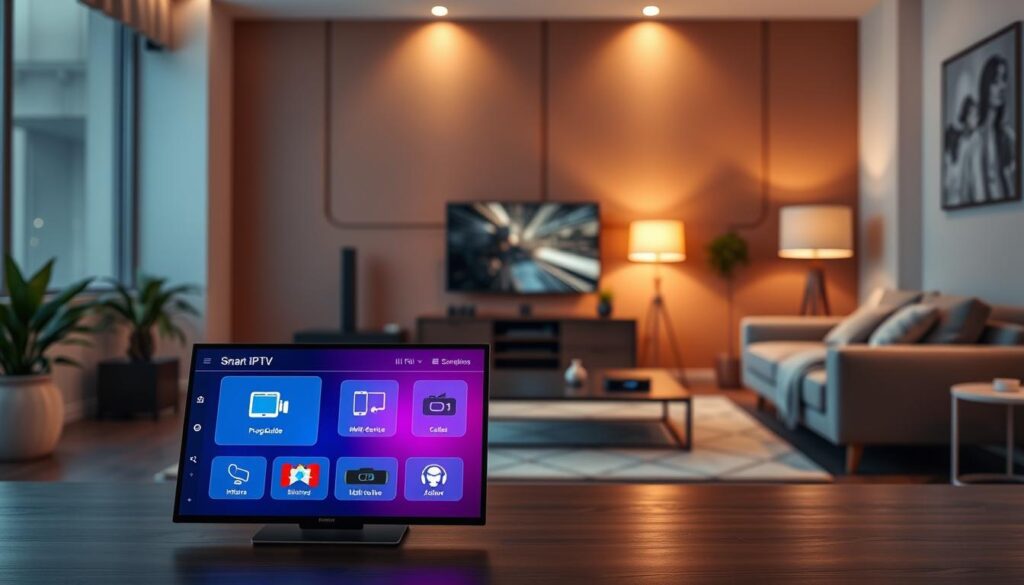
Delving into the key features of GSE Smart IPTV reveals a robust set of tools for enhancing your viewing experience. This app stands out due to its comprehensive support for various playlists, high-quality streaming capabilities, and user-friendly interface.
Support for Playlists: m3u, Xtream Codes and More
I consider the playlist management capabilities to be the cornerstone of this IPTV player. The app supports unlimited m3u playlists and fully integrates with Xtream Codes API, all at no extra cost. This means you can effortlessly import and organise multiple playlists, giving you the freedom to switch between different content sources without any restrictions imposed by the app itself.
4K HDR Streaming and Advanced Protocol Compatibility
The 4K HDR streaming capability is genuinely impressive. It utilises hardware acceleration to deliver crisp, vibrant video with Dolby Audio support that enhances your viewing experience. I have tested the advanced buffering technology myself, and it effectively eliminates the stuttering issues that plague lesser players when handling high-bitrate streams.
The protocol support is remarkably comprehensive, covering HLS, RTSP, MMS, UDP, and even more exotic formats. This ensures your channels will play reliably regardless of their technical specifications.
Built-In EPG and Offline Viewing Capabilities
One of the standout features I appreciate is the built-in EPG, which provides a proper smart TV guide experience with scheduling. This ensures you never miss your favourite programmes. The offline viewing capability is a genuine game-changer, allowing you to download video content, including movies and live recordings, directly to your device for watching without an internet connection.
Background downloads with automatic quality selection make the offline feature practical and user-friendly, adapting to your storage and bandwidth constraints intelligently.
User Interface and Search Functionality
The search functionality is lightning-fast, enabling you to locate any channel, film, or show within seconds across all your loaded playlists. This feature is invaluable when managing extensive libraries. The overall user interface strikes an excellent balance between simplicity and power, with features like favourites, watch history, and aspect ratio controls that enhance daily usability of this application.
| Feature | Description |
|---|---|
| Playlist Support | Unlimited m3u playlists and Xtream Codes API integration. |
| Streaming Quality | 4K HDR playback with Dolby Audio support. |
| Protocol Compatibility | Supports HLS, RTSP, MMS, UDP, and more. |
| EPG | Built-in smart TV guide with scheduling features. |
| Offline Viewing | Download content for offline access with background downloads. |
| User Interface | Simple, fast, and user-friendly with intelligent search. |
Device Compatibility and Version Overview
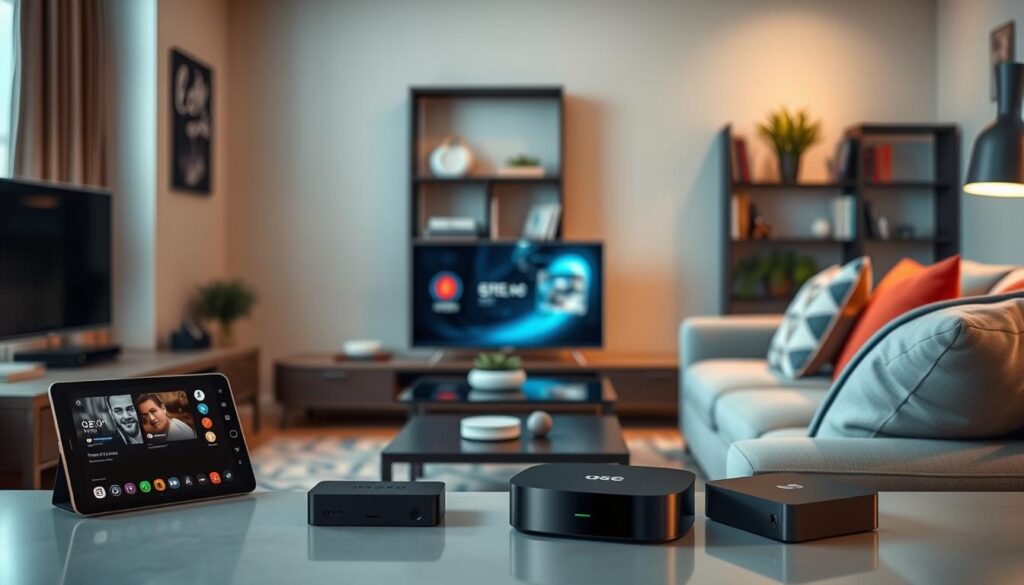
Understanding the compatibility of devices with GSE Smart IPTV is essential for users eager to enhance their viewing experience. This section provides a detailed overview of the app’s requirements and versions, ensuring you have all the information you need before downloading.
Supported iOS Devices and Requirements
For iOS users, the app requires version 16.0 or later. It runs seamlessly on iPhone, iPad, and iPod touch, although it is specifically designed for the iPad and is not verified for macOS. The current iOS version is 1.26, released on 10 January 2026. This update marks a consistent history of bug fixes and performance enhancements dating back to version 1.2, released on 11 January 2023.
Available Android APK Versions and Updates
On the Android side, the latest APK version 7.3 became available on 17 July 2026, supporting devices running Android 4.0 and above. This broad compatibility covers a wide range of hardware, making it accessible for many users. The version history shows a significant leap from version 6.7 in December 2020 to version 7.0 in May 2022, indicating substantial development investment in the platform.
App Size, Languages, and Accessibility
The app size is 128.6 MB on iOS, which is reasonable given the extensive feature set. I find that it does not place undue strain on device storage. Language support is exceptional, with English and 21 additional languages available, making this GSE Smart IPTV solution accessible to a diverse user base across Ireland and beyond.
The app has a 4+ age rating, confirming that it contains no inappropriate content. This aligns with its nature as a pure player rather than a content provider. I appreciate that the developer actively maintains both iOS and Android versions, ensuring that users on either platform receive regular updates and support.
Understanding these version and compatibility details helps you determine whether your current device can run this smart IPTV player optimally before you commit to installation.
How to Use GSE Smart IPTV Legally in Ireland
To fully enjoy GSE IPTV in Ireland, one must grasp the legal implications surrounding its use. Understanding the legal boundaries is essential for ensuring a seamless streaming experience without running into copyright issues.
Understanding Legal Boundaries for IPTV Streaming
The legality of using GSE IPTV hinges on the source of your playlists and the nature of the content you choose to stream. The player itself is completely legal software, functioning as a neutral tool that does not provide, promote, or host any channels or video content whatsoever.
In my professional assessment, the legal boundaries for IPTV streaming in Ireland are clear: you must only access content from authorised providers who hold the appropriate broadcasting rights.
Ensuring You Use Authorized Playlists and Content
I advise you to ensure that every m3u playlist or Xtream Codes source you load into the app comes from a legitimate, licensed IPTV service operating within Irish and EU copyright law. The developer explicitly disclaims any affiliation with third-party providers, which means the responsibility for verifying content legality rests entirely with you, the user.
It is wise to request proof of licensing from any IPTV subscription service before adding their playlists to your player. This simple step can protect you from legal complications.
My Legal Advice for IPTV Users in Ireland
Irish copyright legislation, aligned with EU directives, treats unauthorised streaming of protected content as infringement. Ignorance of a playlist’s source is not a valid defence. I have observed that many users inadvertently expose themselves to risk by using free playlists found online, which almost invariably contain unlicensed channels and video streams.
My strongest piece of legal advice is to treat this GSE IPTV player as you would any other media tool: use it exclusively with content you have the right to access. By adhering to these principles, you can enjoy all the technical benefits of this powerful player whilst remaining fully compliant with Irish law and supporting the creative industries.

User Experience, Support and Subscription Options
This part of the guide focuses on the user experience, support mechanisms, and subscription options for GSE Smart IPTV. Understanding these aspects is vital for optimising your use of this powerful IPTV player.
Review Highlights and Performance Enhancements
Based on my analysis of user reviews, I can confirm that this IPTV player enjoys a solid reputation. With 112 ratings on the App Store, the feedback reflects generally positive sentiment from the community.
- Users like Alex M. praise the 4K quality and intuitive interface.
- Sarah K. highlights the offline download feature as transformative for watching content without an internet connection.
- Mike R., a tech enthusiast, endorses the app for its flawless playlist management across both iPhone and iPad.
- Some constructive feedback mentions a need for enhanced filtering capabilities.
- The developer has consistently released updates addressing performance and bug fixes.
Subscription Plans and What They Offer
The subscription model is refreshingly affordable, making it accessible for a wide range of users. Here’s a quick overview of the pricing:
- 1 month: US$4.99/month
- 3 months: US$9.99/3 months
- 12 months: US$14.99/year
The free version already supports unlimited playlists and m3u management, while the premium subscription unlocks additional features and enhanced functionality. Payment is charged to your Apple ID, and the subscription auto-renews unless cancelled 24 hours before the period ends.
Customer Support and Ongoing Updates
Customer support is backed by a published privacy policy and terms of use. The developer collects only identifiers for tracking, with usage data and diagnostics not linked to your identity. The version history from 1.2 through 1.26 demonstrates a commendable commitment to ongoing improvement.
Each release brings bug fixes, performance enhancements, and occasional new features like Chromecast support and EPG view improvements. In my assessment, the combination of responsive development, transparent data practices, and flexible pricing makes this GSE Smart IPTV solution a trustworthy choice for Irish users seeking a reliable streaming companion.

Conclusion
In conclusion, I have covered all the essential aspects of using this IPTV player as a legal and feature-rich option for your streaming needs in Ireland in 2026. My analysis confirms that this app excels in playlist support, stunning 4K HDR playback, and useful features like offline downloads and a built-in EPG.
To ensure a positive experience, it’s crucial to pair this powerful tool with authorised content sources, keeping you within Irish legal boundaries. The cross-platform compatibility across iOS and Android, along with regular updates, makes it a versatile choice for all users.
I’ve been impressed by the developer’s commitment to transparency and affordability, making this app a reliable option. I encourage you to download it, explore its features with legitimate playlists, and discover why it has gained a strong reputation in the Irish market.
Remember, the responsibility for legal compliance lies with you, and I hope this guide serves as a valuable resource as you navigate the world of streaming with confidence.