Welcome to my comprehensive guide on using a reliable IPTV player here in Ireland. I understand that the legal landscape surrounding these services can often feel confusing. My aim is to clarify this uncertainty and provide you with the information you need.
This article will explore what an IPTV player is, how it functions with playlists and Xtream Codes, and the key features you should consider. I have thoroughly researched both the IPTV Smart Player app and the Smarters IPTV app, both of which are available in the Entertainment category on the App Store.
It’s important to note that neither app offers any content directly; they serve as neutral media players, relying on users to add their own legal playlists. With over 26,000 ratings for the IPTV Smart Player and more than 1,400 for Smarters IPTV, I have a solid base of user feedback to guide you.
My goal is to help you make an informed choice about which IPTV player to download and how to use it legally in Ireland. As we progress, I will cover various aspects, including technology, user experience, legal compliance, and privacy considerations.
So, let’s dive in and ensure you have all the information needed to choose, purchase, and use an IPTV player with confidence.
Key Takeaways
- This guide clarifies the legal status of IPTV players in Ireland.
- It provides insights into popular apps like IPTV Smart Player and Smarters IPTV.
- Both apps are neutral media players requiring users to add their own content.
- User feedback is considered to enhance the comparison.
- The article covers essential features, user experience, and legal compliance.
Understanding Smart IPTV Players
In this section, I will explore the essential features of a media application designed for streaming content. A smart IPTV player is a software application that acts as a sophisticated media player. It is capable of reading and displaying streaming content from user-supplied sources, such as m3u playlists, Xtream Codes, or local media files.
It is crucial to understand that a smart IPTV player is fundamentally different from illegal streaming services. These applications do not contain any channels, films, or television programmes. Instead, they are empty vessels that rely entirely on users to populate them with content they have the legal right to access.
The IPTV Smart Player app, available on the iOS App Store under the Entertainment category, explicitly states in its description that it does not provide any content or playlists. It is designed solely for users’ own legally created content. Similarly, Smarters IPTV, developed by SmartersPlayer LLC, follows the same approach. This professional media player is optimised for fast streaming and requires users to load their own m3u playlists to function effectively.
Common legitimate uses of these players include:
- Accessing free-to-air channels that provide legal m3u links.
- Streaming content from a home media server.
- Playing video files stored locally on the device in formats like mp4, avi, and mov.
The term IPTV—Internet Protocol Television—simply refers to the method of delivering television content over the internet rather than through traditional terrestrial, satellite, or cable formats. This technology itself is entirely legal. However, confusion around legality often arises not from the player app itself but from the sources of playlists that some users may choose to load. This distinction will be explored in depth in the legal section of this guide.
Additionally, both IPTV Smart Player and Smarters IPTV offer free versions with limitations. Paid upgrades are available that unlock additional features such as unlimited playlists, ad-free experiences, and password protection.
Understanding this fundamental distinction—that the smart IPTV player is a neutral tool, not a content provider—is the first and most important step for any Irish user. This knowledge will help you stay on the right side of the law while enjoying the flexibility and convenience of IPTV technology.
| Feature | IPTV Smart Player | Smarters IPTV |
|---|---|---|
| Content Provision | No content provided | No content provided |
| Supported Formats | m3u, local files | m3u, local files |
| Streaming Quality | High quality | Optimised for fast streaming |
| Free Version | Yes | Yes |
| Premium Features | Unlimited playlists, ad-free | Unlimited playlists, ad-free |
How the Smart IPTV Player Works
In this part, I will clarify how to navigate the features of a media application for optimal streaming. Getting started with a media application is straightforward once you understand the four primary methods of adding content. These methods include loading an m3u or m3u8 playlist via a URL link, importing an m3u file already downloaded to your device, streaming directly from a video URL, or authenticating with Xtream Codes using a username and password provided by your legitimate content source.
Adding Playlists: URL, Files, and Xtream Codes
First, let’s discuss URL-based playlists. Users can simply copy and paste a link to an m3u file into the app. The player will automatically parse the file to display all available channels organised by category. This method is quick and efficient for accessing a wide range of channels.
If you have already downloaded an m3u playlist file to your iPhone or iPad, the IPTV Smart Player app can read it directly from local storage. This is particularly useful when you have created your own custom playlist of legally accessible streams.
For those using Xtream Codes, some legitimate IPTV service providers issue a username, password, and server URL. This information can be entered into the app to access their channel lineup securely. Both IPTV Smart Player and Smarters IPTV support this method, ensuring a smooth user experience.
Supported Video and Streaming Formats
The IPTV Smart Player app is remarkably versatile, supporting over 40 different file formats. This includes all common video containers like mp4, avi, mov, and mkv, as well as audio formats such as mp3, aac, flac, and wav. It also supports specialised streaming formats like m3u, m3u8, and pls, along with various subtitle tracks including ttml, vtt, and webvtt.
This broad format support means Irish users can play virtually any legally obtained media file without needing to convert it first, whether it is stored locally on the device or streamed from an online source.
Playing Local and Online Content
The player handles both online and local content seamlessly. It can even display content in a floating window, allowing you to continue watching while using other apps—a feature I find particularly useful on the iPad. This flexibility enhances the viewing experience, making it easy to multitask.
Smarters IPTV is specifically optimised for fast m3u streaming and promises a glitch-free experience on iOS, tvOS, and macOS. This makes it a strong alternative for users who prioritise streaming speed and stability.
In conclusion, while the setup process may seem technical at first, it is designed to be user-friendly and intuitive. Once a playlist is loaded, the app organises everything automatically for effortless browsing and viewing.
| Method | Description |
|---|---|
| URL Link | Paste a link to an m3u file for automatic channel parsing. |
| File Import | Load an m3u file from local storage. |
| Video URL Streaming | Stream directly from a video URL. |
| Xtream Codes | Authenticate using a username, password, and server URL. |
Key Features and Supported Formats of Smart IPTV Player
Let’s delve into the remarkable features and extensive format support that make a media application a must-have for streaming enthusiasts. The IPTV Smart Player app stands out for its ability to support over 40 video and audio formats. This includes popular containers like mp4, avi, mov, and niche formats such as ac3 and eac3. With such versatility, virtually any legally obtained media file plays without issue.
Channel support is equally comprehensive. The application can handle live IPTV streams, video-on-demand content, and locally stored media all within a single, unified interface. This organisation by category ensures effortless navigation for users.
Video Formats and Channel Support
The extensive format support of the IPTV Smart Player app allows users to enjoy a wide range of media. Not only does it support common video formats, but it also caters to various audio formats. This means you can easily play files stored on your device or stream from the internet without worrying about compatibility issues.
User Interface and Customisation Options
Customisation is key for an enjoyable viewing experience. The IPTV Smart Player app offers both light and dark modes, allowing users to tailor the interface to their preference. Additionally, Smarters IPTV features a sleek, modern interface that is praised for its intuitiveness, making navigation a breeze.
Both applications automatically sort channels into categories based on the m3u file metadata. Users can create personalised libraries and favourites lists for quick access to their most-watched content, enhancing the overall user experience.
Viewing Modes and Device Compatibility
When it comes to viewing modes, the IPTV Smart Player app supports both vertical and horizontal orientations. A floating window mode allows you to continue watching while using other apps—perfect for multitasking on an iPad. Recent updates have also introduced a sleep timer and aspect ratio controls for added convenience.
In terms of device compatibility, the IPTV Smart Player app requires iOS 17.0 or later, making it suitable for iPhone and iPad users. Smarters IPTV, on the other hand, requires iOS 14.0 or later and is compatible with macOS and tvOS, providing flexibility for users within the Apple ecosystem.
In conclusion, these features collectively make a media application far more than just a video player. It serves as a comprehensive entertainment hub, putting the user in full control of their viewing experience. For more information on the IPTV Smart Player app, you can visit this link.
User Experience and Performance Insights
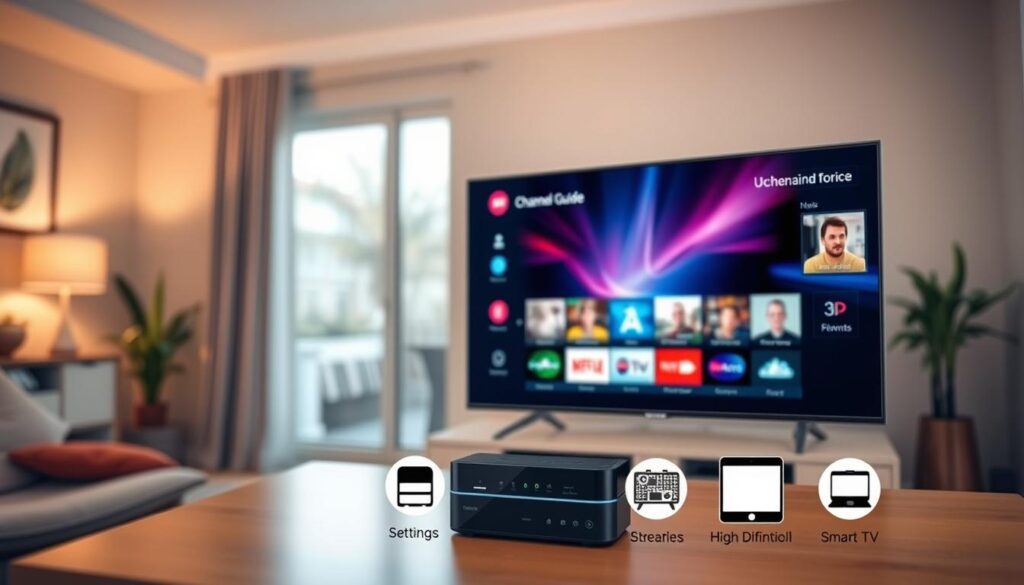
User experience is a crucial factor when selecting an IPTV player app, and feedback from real users can offer valuable insights. In this section, I will analyse the performance and usability of both IPTV Smart Player and Smarters IPTV based on actual App Store ratings and reviews.
App Speed and Stability
Many users of IPTV Smart Player report a smooth, glitch-free performance. One reviewer noted,
“The app functions well. Have not encountered any glitches. Runs smoothly.”
This positive feedback highlights the app’s reliability.
On the other hand, Smarters IPTV users consistently praise its fast streaming capabilities. They appreciate the lack of buffering issues, even when accessing high-quality channels. This is a significant advantage for those who prioritise seamless viewing experiences.
User Feedback and Common Issues
However, it’s essential to address some common criticisms. Some IPTV Smart Player users have reported that certain channels do not work. Others mentioned that the channel lists are not sorted alphabetically, making it difficult to find specific content. One user expressed frustration, stating,
“Even though you pay the 20 US dollars, there are still ads.”
Another user mentioned that the player did not work with their URL and received no response from customer support.
In contrast, Smarters IPTV has received positive feedback regarding its customer support. Users often commend the responsive team, with one stating,
“Had a few issues but they were on my end. Sent an email and received a very quick response and issue resolved in no time.”
This level of support can be crucial for users needing assistance.
Comparison with Other IPTV Players
When comparing the two players, Smarters IPTV generally receives higher praise for its sleek interface, Electronic Programme Guide (EPG) support, and customer service responsiveness. However, IPTV Smart Player benefits from a much larger user base and broader format support.
Both apps offer free versions with limitations, allowing Irish users to test them before committing to a purchase. Given the mixed feedback, I recommend trying both to see which one best suits your needs.
In conclusion, while neither app is perfect, Smarters IPTV appears to have an edge in user satisfaction based on the ratio of positive to negative reviews. However, IPTV Smart Player’s extensive user base and frequent version updates suggest an actively maintained product that continues to improve over time.
Premium Version and In-App Purchases
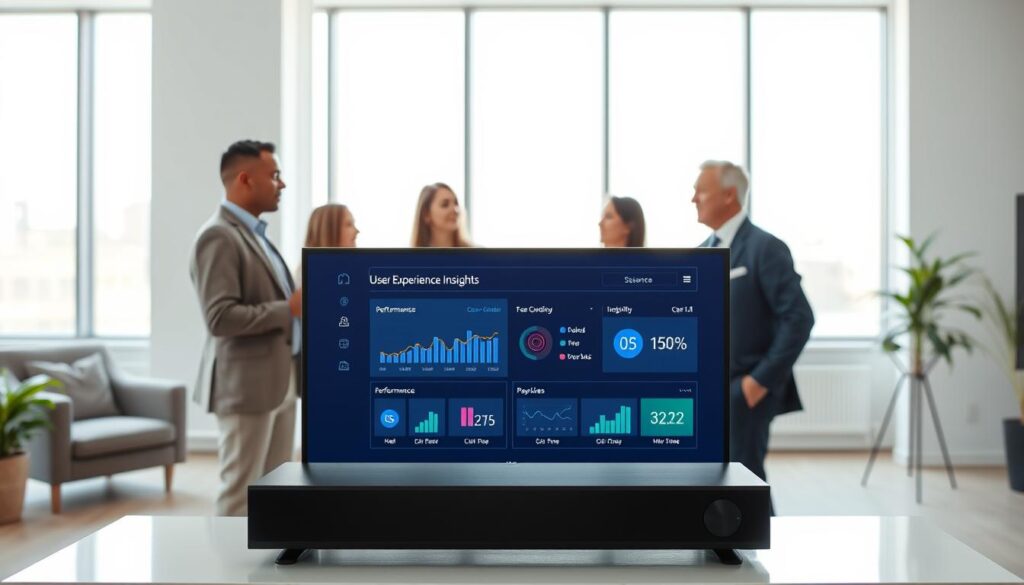
A closer look at the premium offerings of IPTV players reveals valuable features for dedicated users. Both the IPTV Smart Player and Smarters IPTV operate on a freemium model. They provide a free version with limitations and a premium upgrade that unlocks the full potential of the app. This is particularly relevant for Irish users who want to make a one-time purchase or subscribe for a short period to test the service.
Benefits of Upgrading to Premium
Upgrading to the premium version of IPTV Smart Player, known as Turbo, offers several advantages:
- Removal of advertisements: Enjoy an uninterrupted viewing experience.
- Unlimited playlists: Create as many playlists as you like, rather than being restricted to a single list.
- Passcode protection: Set passcodes on individual playlists for added privacy and security—ideal for those sharing a device with family members.
Subscription Plans and Pricing
For IPTV Smart Player, users can choose between:
- Weekly subscription: $3.99
- Lifetime purchase: $19.99
Payments are processed through the iTunes Account. Be aware that subscriptions will automatically renew unless cancelled at least 24 hours before the end of the current period.
Smarters IPTV offers a different approach. Users can enjoy a one-week free trial with full functionality. After this period, activation through an in-app purchase is required to continue using the application without limitations.
Ad-Free Experience and Security Features
While the premium version promises an ad-free experience, some users of IPTV Smart Player have reported seeing ads even after paying the lifetime fee. This is a concern to consider before making a purchase. The developer’s terms of service and EULA are available for review through the App Store.
Security features, particularly the passcode protection for playlists in IPTV Smart Player, prevent unauthorised access to your channel lists. This is especially valuable if you have curated a personal collection of legitimate streams that you wish to keep private.
Managing subscriptions and purchases is straightforward through the iTunes Account Settings. Users can cancel a subscription or free trial before it converts to a paid plan. Remember that cancellation takes effect the day after the last day of the current subscription period.
In comparing the value proposition of both apps, IPTV Smart Player’s lifetime option at $19.99 represents excellent long-term value compared to ongoing weekly payments. Conversely, Smarters IPTV’s trial-first approach allows users to fully evaluate the app before committing any money.
In conclusion, I recommend that Irish users take advantage of the free versions or trial periods before making any purchase. Carefully reviewing the terms and privacy policy of whichever app you choose is essential to ensure you understand exactly what you are paying for and how your data will be handled.
Legal Status of Smart IPTV Players in Ireland
In this pivotal section, I will clarify the legal standing of media applications in Ireland. It is essential to understand that both the IPTV Smart Player and Smarters IPTV apps are entirely legal to download, install, and use. These applications serve as neutral media players, similar to any other video player available on the App Store.
The legality of a media application hinges on how it is used. Under Irish law, particularly the Copyright and Related Rights Act 2000, it is the unauthorised access to copyright-protected content that may constitute an infringement. The software itself is a tool, and users must ensure they are accessing content they have the legal right to view.
If an Irish user loads an m3u playlist containing links to channels or streams without permission from the rights holder, the user—not the app developer—may be liable for copyright infringement. Both IPTV Smart Player and Smarters IPTV explicitly state in their terms of service that they do not endorse the streaming of copyright-protected material without permission.
Understanding Copyright and Content Rights
It is crucial for users to be aware of copyright and content rights. Under Irish law, the responsibility lies with the user to ensure that the content they access is legal. This means loading playlists only from legitimate sources, such as:
- Free-to-air broadcasters that provide official m3u links.
- Subscription services that explicitly permit IPTV access.
- Content that users have created themselves.
Using IPTV Players within Irish Law
Using a media application itself is legal. However, caution is advised. Rights holders and internet service providers in Ireland are increasingly active in blocking access to infringing streams. Therefore, users should be diligent about the sources of their playlists.
Even when using a premium version of the app, there is no legal protection if the content being accessed is infringing. The passcode protection feature serves as a privacy measure, not a legal shield. It is advisable to review the privacy policy and terms of service of any IPTV player app, as these documents outline the user’s responsibilities and the developer’s limitations of liability.
Risks and Compliance for Users in Ireland
While individual users are rarely the target of copyright enforcement actions, the legal risks should not be dismissed. The consequences of accessing unauthorised content can be significant. I encourage law-abiding Irish users to view these applications as they would any other media player, such as VLC. It is the content you choose to play that determines the legality of your activity, not the player itself.
In conclusion, you have nothing to fear from using a smart IPTV player to access legitimate content. By being informed and cautious, you can enjoy the flexibility and convenience these applications offer while remaining compliant with Irish law.

Privacy, Data Tracking, and Security Considerations
In this era of information, safeguarding your personal data while using apps is more important than ever. Irish users must be aware of how their data is handled, especially when it comes to media applications.
IPTV Smart Player collects identifiers that may track users across different apps, alongside usage data and diagnostics. This can lead to targeted ads, which some users have reported seeing even after making purchases. In contrast, Smarters IPTV proudly states that it does not collect any data at all, making it a strong choice for privacy-conscious individuals.
Reviewing the privacy policy of each app is essential. IPTV Smart Player’s policy is available on a Google Sites page, while Smarters IPTV provides its policy through its developer website. Users should also take steps to secure their accounts, such as using unique passwords and enabling passcode protection for sensitive playlists.
By understanding these practices, you can enjoy your streaming experience with greater peace of mind. For more details on privacy policies, you can visit this link.